What Is a Broadcast? Meaning, Types, and How to Use It to Boost Sales
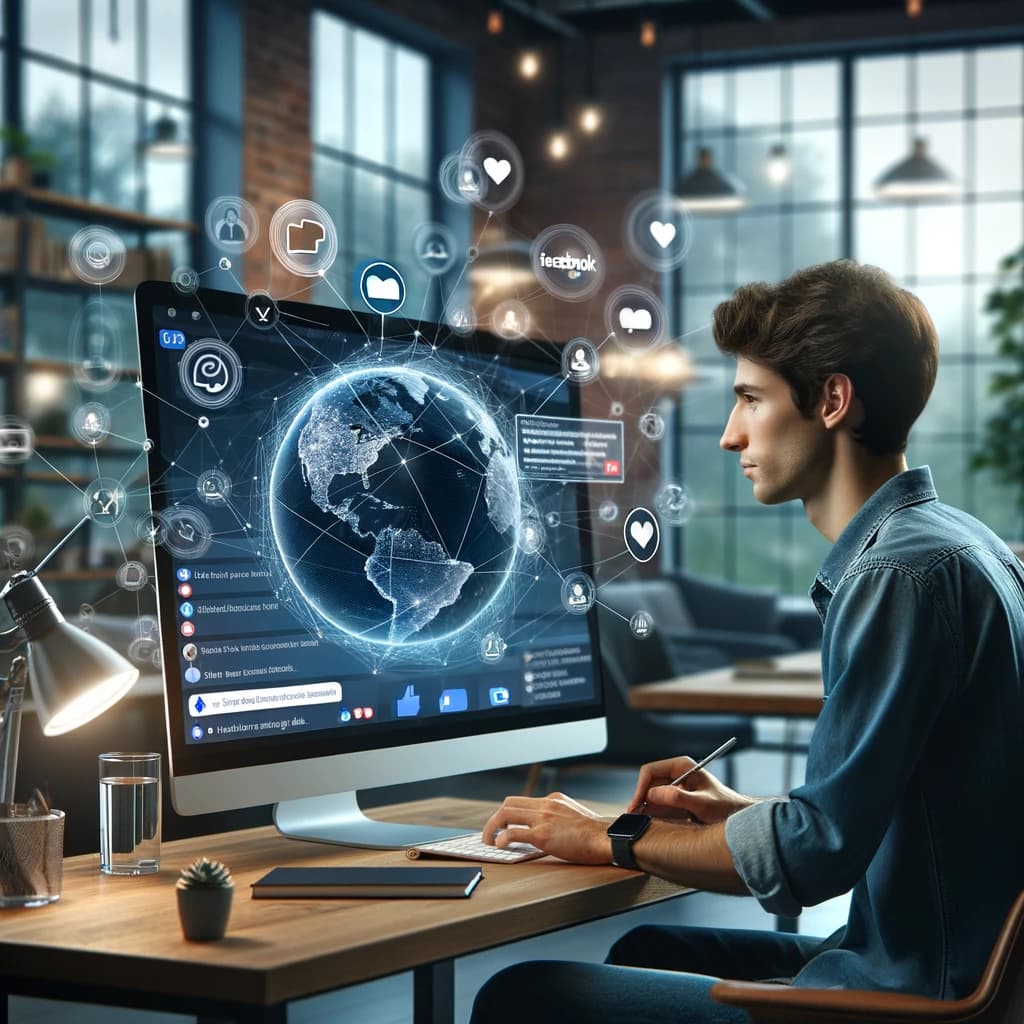
A broadcast is sending the same information or message from one sender to many recipients at the same time. It is one-way communication that the media has used for decades, such as TV and radio broadcasting, and today it has become a key marketing tool, for example sending a message to thousands of customers at once through Facebook Messenger, LINE, or email.
In the age of social media and messaging apps, broadcasting matters more than ever. It lets brands and online stores reach customers directly and quickly, and measure results right away, without relying on ad costs that rise every year.
What Does Broadcast Mean?
Broadcast literally means "to transmit or spread information widely." The word originally described scattering seeds across a whole field (broad + cast), before it was used for radio and TV, and it has now carried over into digital marketing.
In marketing you will also hear it called a broadcast message or simply broadcasting. They all refer to the same thing: sending one message to many people at once.
Types of Broadcasts Used in Online Marketing
| Type | What it is | Best for |
|---|---|---|
| Text Broadcast | Plain text messages, short and to the point | Daily promotions, new products, order status updates |
| Image/Video Broadcast | An image or video sent along with the message | Promotions where customers need to see the product, building brand recognition |
| Rich Message Broadcast | Buttons, link previews, carousels, or quick replies | Driving clicks and increasing the conversion rate |
| Location-based Broadcast | Sent based on the recipient's area or location | Businesses with physical stores, branch-specific promotions |
| Event-triggered Broadcast | Sent automatically when a condition is met, such as a birthday or a purchase | Building loyalty and encouraging repeat purchases |
A quick summary of each type:
-
Text Broadcast - Sending a text message to many recipients. Ideal for short, concise updates such as daily promotions, new products, or order status.
-
Image/Video Broadcast - Sending images or videos along with your message makes it more engaging and builds brand awareness. Ideal for content where customers need to see the actual product.
-
Rich Message Broadcast - Messages with rich media elements such as link previews with thumbnails, action buttons, carousels, and quick replies, which raise response and conversion rates.
-
Location-based Broadcast - Messages sent to a specific place or area, such as a promotion for customers near your store. Ideal for businesses with a physical storefront.
-
Event-triggered Broadcast - Automatic messages based on events, such as a thank-you message after a purchase or a birthday discount coupon, which build brand loyalty.
How Is a Broadcast Different from Running Ads?
Many people confuse broadcasting with running ads (Facebook Ads), but the two work differently and complement each other:
| Broadcast | Facebook Ads | |
|---|---|---|
| Audience | Past customers who have messaged your Page | New people who don't know your brand yet |
| Cost | A monthly tool fee, no cost per message | Pay per ad budget, pricier as competition rises |
| Visibility | Delivered straight to the inbox | Depends on the algorithm and the auction |
| Best for | Driving repeat purchases, closing sales in chat | Finding new customers, growing your market |
A popular strategy among online stores is to run ads to bring new customers into the chat, then use broadcasts to keep engaging them over the long term without paying for ads again. Read more in our comparison of Facebook ads and organic marketing.
Broadcast Examples on Popular Platforms
- Facebook Messenger - Send messages and images to customers who have messaged your Page. Ideal for online stores that close most sales in chat.
- LINE Official Account - Broadcast to followers of your LINE OA, with a monthly message quota and charges when you go over it.
- Email Marketing - Send newsletters and promotions to subscribers on your list. Ideal for long-form content and B2B customers.
- SMS - Send short text messages to customers' phone numbers. Fast to reach, but you pay per message.
For shops that sell mainly through a Facebook Page, broadcasting through Messenger is usually the best value, because the customers who have messaged you are people who are genuinely interested in your products.
Examples of how different small businesses use broadcasts:
- Restaurants - Announce new menu items and the latest promotions to regular customers.
- Language schools - Share short study tips alongside newly opened courses.
- Travel businesses - Announce special tour package deals for each holiday season.
- Beauty clinics - Share skincare advice together with new treatments.
Notice that many businesses don't send only promotions. They mix in content that is useful to customers, which builds long-term trust in the brand.
How to Start Broadcasting on Facebook in 4 Steps
- Connect your Facebook Page to a broadcast tool such as BroadTurbo, which lets you connect an unlimited number of Pages.
- Add labels to segment your customers by interest or behavior, such as past customers or customers waiting for a promotion.
- Write your message, attach product images, and choose the recipients you want.
- Click send once. The system delivers to every customer in turn and shows a real-time delivery report.
For detailed steps with screenshots, see our Facebook broadcast guide.
Benefits of Broadcasting in Online Marketing
- Reach a large audience at once, saving time and budget
- Send targeted messages by segmenting recipients with labels or other conditions
- Measure every step in detail, including successful deliveries, opens, and clicks
- Keep testing and improving your messages with A/B testing
- Drive repeat purchases from past customers, which costs many times less than finding new ones
- Build long-term relationships so customers remember your brand and don't drift to competitors
Broadcast FAQ
What is a broadcast, in short? It is sending the same message to many recipients at once, such as sending a promotion to every customer who has messaged your Page through Facebook Messenger.
What does broadcast mean? It means to transmit or spread information widely. In marketing, it means sending a message to many people at the same time.
How do you broadcast on Facebook? Connect your Page to a broadcast tool, choose your customers, write a message with images, and click send once. See the full steps in our broadcast guide.
Is Facebook broadcasting free? There is no ad spend paid to Facebook, because you are messaging customers who have already chatted with you. The only cost is the tool, starting at a few hundred THB per month, and you can try it free for 15 days.
Is a broadcast the same as a Facebook broadcast channel? No. A broadcast channel is a public announcement channel that followers choose to join, while a Messenger broadcast sends a message straight into each customer's private chat, which is easier to notice and lets you close the sale right away.
Summary
A broadcast is one-way communication to many people at once, and it has become a core online marketing tool because it reaches customers directly, delivers measurable results, and costs many times less than running ads. Broadcasting through Facebook Messenger in particular helps stores bring past customers back to buy again and again.
If you already sell through a Facebook Page and want to start broadcasting to past customers without paying for ads, try the BroadTurbo broadcast tool. Send messages to Facebook Messenger from unlimited Pages, target customers by label, and send text and images together in one go. Plans start at 590 THB per month, with a 15-day free trial, no credit card required.